KWS BUILD PATHS · 01 - BUILD MY HOMELAB

Build your own home server.
One guided step at a time.

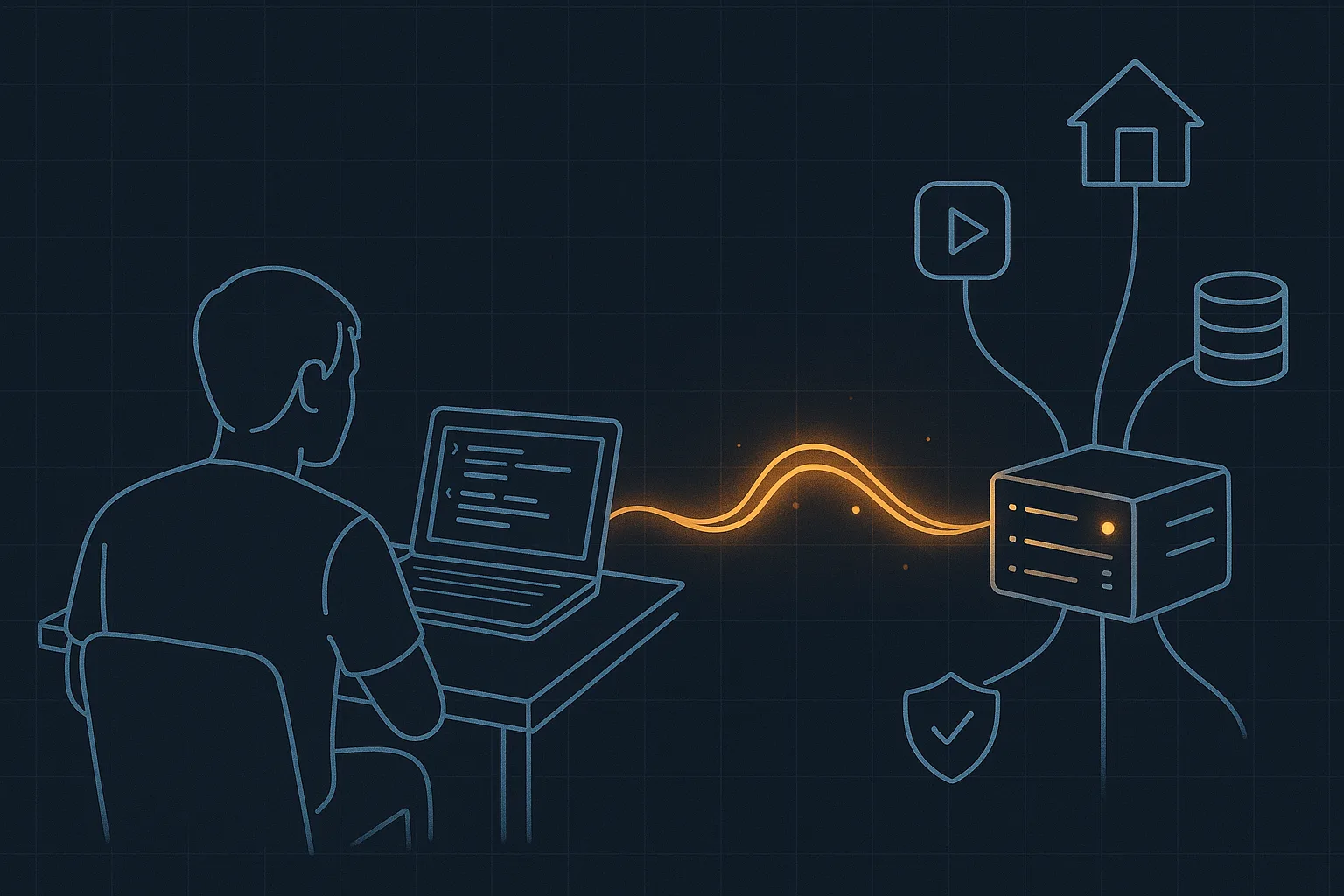
A guided, self-paced Build Path that walks with you step by step - from hardware that fits you and your budget to a home server shaped around your life: useful self-hosted apps, personal tools, even a personal AI agent at home. Any experience level, any starting hardware - and it grows with you.

Home infrastructure that's truly yours Replace some subscriptions with home-hosted apps From one Raspberry Pi to a multi-server setup
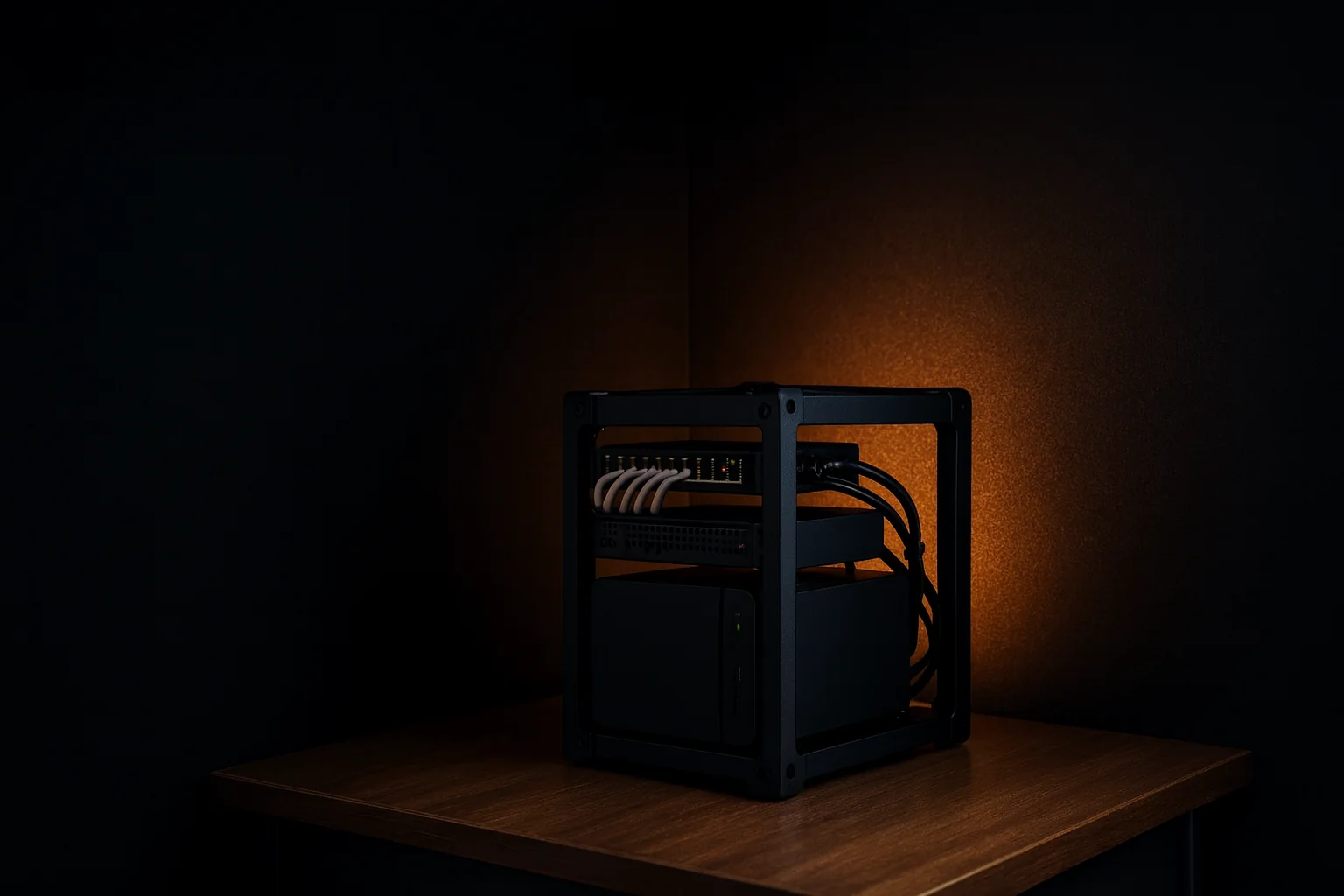
Ilan's real KWS Rack on a wooden desk in a dark room: amber rails and carry handles around a stack of screen module, patch panels, drive sleds, the glowing KWS fan panel and a NAS, the open side lit warm from inside
FIG. 01 - ILAN'S REAL KWS RACK · ENVIRONMENT EDITED TO MATCH THIS PAGE
THE PROBLEM

The information exists. The path doesn't.

Search "home server" and fifteen minutes later you're deep in Proxmox versus Ubuntu, contradicting forum threads, one-line install scripts, and advice written for people ten years in. Every answer sounds confident. None of them knows you, your hardware, or which step you're actually on.

The problem isn't missing information. It's overload - with no order, no context, and no next step.

LIVED PROOF

Not theory. This is what actually runs at Ilan's home.

Build My Homelab is built by Ilan Kushnir - the maker behind KWS Rack, the printed 10-inch rack system - out of a home server that runs for real, every day:

"AI can build you tools shockingly fast now. But a tool with nowhere to live stays a demo. Your home server is where those tools become part of your life."
- the idea the whole path is built on

These are real, daily uses - not a promise that everything takes ten minutes. Each one is a station on the path you'll walk yourself.

  • A smart home on a stable base

    Home Assistant with backups and private remote access - automations that survive a power cut, not a fragile late-night install.

  • A personal media library

    A folder of files turned into a real service: music and movies at home and on the road, without renting yet another interface.

  • A fitness app built with Claude Code

    Instead of another year of a paid generic app - a tool built for exactly how Ilan trains, running from his own server.

  • A personal Kanban board

    A task board that matches how Ilan thinks - instead of bending his work into someone else's template.

  • Document signing under his own roof

    Signing workflows on open-source, DocuSeal-style tools. For some workflows that's enough, cheaper, and fully yours.

  • KWS Rack - the physical side

    The lab lives in the printed rack Ilan designed. Same philosophy throughout: built deliberately, documented, made to grow.

LIVE FROM THE LAB

Real things, running right now from Ilan's home server

Not promises - workloads. These five run at Ilan's home as you read this, and each one replaced an app, a subscription, or a compromise.

Including this page. The landing page you're reading - and the KWS Labs system behind it - is served from that same home server.

CASE 01 · PUMPY

A fitness app that trains the way Ilan trains

Ilan built Pumpy with Claude Code, and it runs from this very server - for him, his friends and his family. It works better for him than any generic fitness app for the simplest reason: it was built around exactly how he trains - and when his needs change, the app changes the same week.

Built with Claude CodeRuns for friends & familyPersonal by design
See Pumpy live ↗
CASE 02 · SMART HOME

The whole house, wired to one calm dashboard

Home Assistant runs the lights, the door lock, the electric blinds and the TV - alongside the routers, access points and a mesh of sensors and automations. And because the brain lives at home, not in a cloud, it keeps working even when the internet doesn't.

LightsDoor lockElectric blindsTVNetwork & sensors
CASE 03 · SELF-HOSTED

A whole catalog of apps - minus the subscriptions

Media, photos, documents, bookmarks, file sync - the self-hosted world has a serious app for almost anything. One home server runs a surprising number of them at once, and each one can retire another monthly subscription.

A huge open-source catalogOne serverFewer subscriptions
Browse the catalog - selfh.st/apps ↗
CASE 04 · KANBAI

Kanbai - a task board that talks to his agent

Ilan's personal kanban. Built around exactly how he plans his work - and wired to his AI agent, so tasks get added, sorted and closed as part of the conversation, not in yet another form.

Built for his own flowConnected to his agentRuns from home
CASE 05 · PERSONAL AI

A private AI partner that actually lives at home

The one that changes everything: Ilan's personal agents - Hermes and Astra - run from this server, connected to his projects, his tools, his task board and a long-term memory. Not a cloud chatbot with amnesia - a partner that knows the house it lives in.

Persistent memoryConnected to home & toolsActually private
This is where the path leads ↓
Monitoring dashboard of Ilan's home server: hosts online, cluster CPU and RAM gauges, UPS battery, NAS temperature, container counts per node, CPU by node and network throughput charts
Real dashboard from Ilan's home server · accent palette adjusted for this page; values unchanged.

This is the whole point of the path: not "learn Linux" - end up with things like these, running quietly at your place.

START WHERE YOU ARE

Start small. Grow when you're ready.

You don't need a rack of servers to begin. A Raspberry Pi, an old laptop or a small mini PC is a real first server - and for many people it stays enough for years. The path adapts to your goals, your experience, the hardware you already own and the budget you're comfortable with.

Starting small closes no doors. The same path later grows toward a more capable machine - or a multi-server home setup - if and when you want it to. Nobody needs to start big.

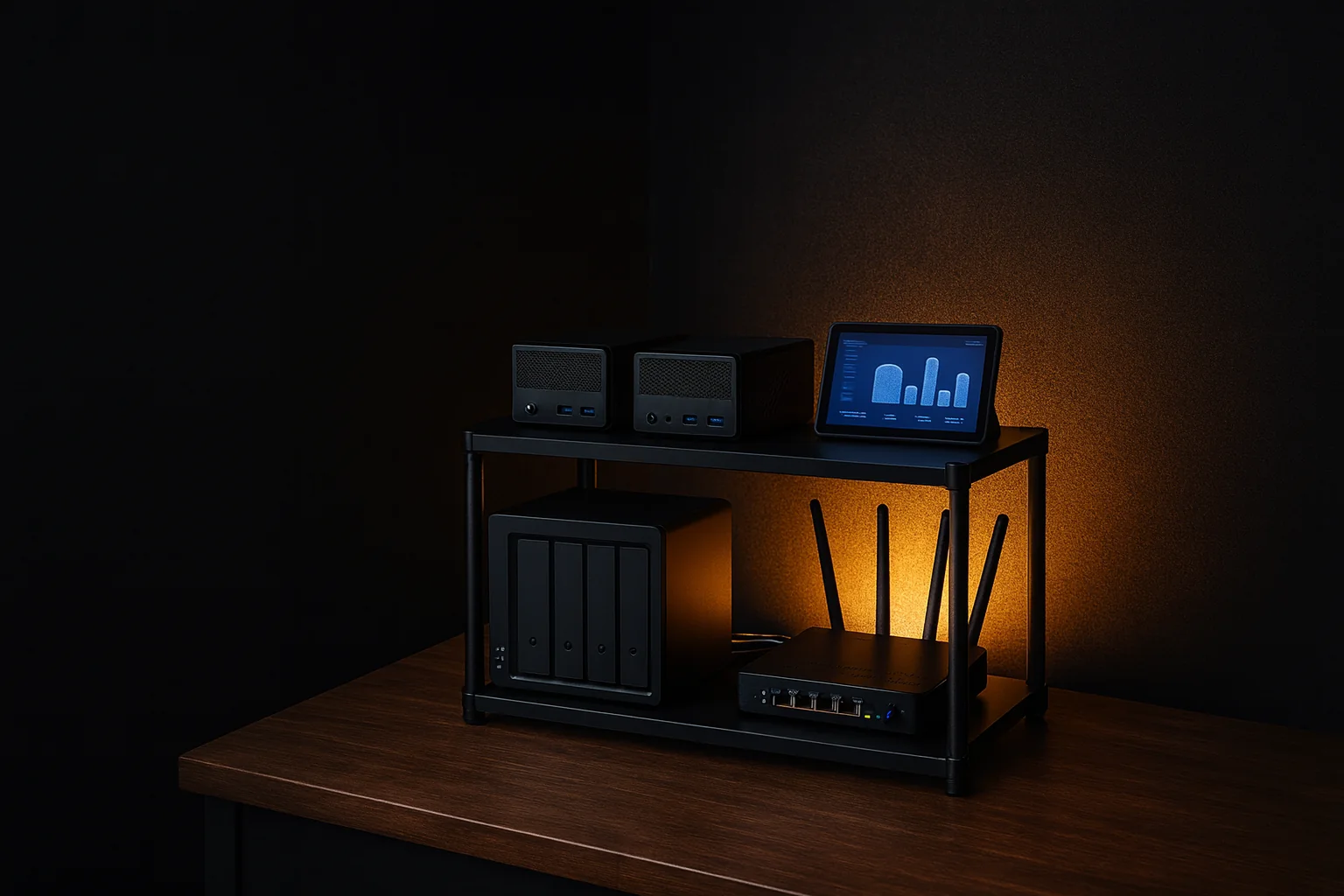
A quiet shelf at home at night: a mini PC with a single amber LED beside a small router, tidy cables and a plant
Where it all runs - one quiet corner, always on

The range the path covers - join at any point

Raspberry Pi or old laptop

A real first server for the cost of nothing - or close to it.

A common first step

Mini PC

Quiet, low-power, and enough for a surprising number of apps.

Tower or NAS

Room for a family's media, photos and serious storage.

Multi-server setup

A small home cluster, if your ambitions ever point that way.

None of these is required before you start. The path meets you at whichever step you're on - or helps you pick the first one.

BUILDER STORIES

Built from a real journey. Shaped for yours.

Founder story · Ilan Kushnir

"I spent seven years learning what belongs in a home lab - and what only adds noise."

I've been building home labs for about seven years. I started with Raspberry Pis, then tried more hardware and infrastructure approaches than I can count - including running Kubernetes at home. I made real mistakes along the way, and learned where complexity earns its keep and where it only gets in the way.

Through those same years I worked as a software development team lead, and later as a tech lead, at technology companies - architecture and infrastructure were my day job, and I brought the same seriousness home. Piece by piece, the lab became a server shaped around my work, my home and my family's real needs. Today it also runs systems other people use - including the KWS Labs pages you're reading right now.

On the physical side, I designed and 3D-modeled KWS Rack, a modular printable 10-inch rack system that grew into a community-supported ecosystem - print profiles, extensions and community add-ons. If a printed rack ever fits your hardware and your needs, you can build one too. It's never required.

Build My Homelab distills that journey into an ordered, personalized path - for builders at very different experience levels.

Close view of Ilan's KWS Rack: the glowing KWS fan panel, drive sleds and NAS, with the open side lit warm from inside
Ilan's KWS Rack · detail of the photo above, environment edited
Illustrative builder scenario · not a customer result

"One mini PC. A calmer business behind it."

Picture a small-business owner with no infrastructure background - a studio, a clinic, a workshop. The starting point could be exactly what's in the picture: one mini PC and one small network switch.

On a path shaped around that owner's needs, the first wins could be practical ones: appointment scheduling the business controls, customer inquiries collected in one organized place, shared documents and small automations - and, further along, a personal agent that takes over repetitive business chores.

The point isn't that every business gets these exact outcomes. It's that useful services can begin on modest hardware when the sequence fits the owner's real needs - with every step ordered and verified, so the builder never gets lost.

An example of the kind of path the program can shape - not a customer claim.

Illustration of a small starter setup on a wooden shelf: a mini PC connected to a small network switch with one Ethernet cable
Illustrative setup · generated image, not customer hardware

We believe anyone can build a home server - with a clear Blueprint shaped around their goals, their experience and the hardware they have. The missing ingredient was never talent. It's organized, personal guidance.

At the end of this path, a sentence is waiting for you:

"I built my own server at home."

In your voice, about your machine - earned one verified step at a time.

THE BUILD LOOP

Every step of the path is the same precise move

Not video chapters, not articles. One small loop - Brief, Decide, Build with AI, Verify, Record, Celebrate, Next - repeating from the first lesson to the last upgrade:

  1. Brief

    Why this step matters - one mental model, one diagram, two minutes.

  2. Decide

    A recommended default with its reasons. Not ten options - one, and why.

  3. Build with AI

    A ready prompt card for your agent, with context, boundaries and warnings.

  4. Verify

    One check you can see with your own eyes: it works, or it doesn't.

  5. Record

    A field or two in your Server Passport. Your server stays documented, always.

  6. Celebrate

    A capability you didn't have yesterday, stated plainly.

  7. Next

    Exactly one clear step forward. Not a menu. No getting lost.

And from Next - back to Brief. That's how a server gets built: loop after loop, no dangerous leaps.

THE BUILD PATH MAP

Floor by floor, at your pace

A build map, not a syllabus. Every stage ends with something real running at your place - built together, verified together.

STAGE 01 · FOUNDATIONS

From computer to server

Hardware that fits your budget, a system that fits your situation, your coding agent wired in.

Running: a server you reach from across the room.
STAGE 02 · FIRST APPS

The server becomes useful

Docker Compose done properly, and first apps picked from your personal plan.

Running: your first useful app - and you understand how.
STAGE 03 · ACCESS

A door and an address

A dashboard front door, friendly names instead of IPs, private remote access via Tailscale.

Working: your dashboard on your phone, anywhere - privately.
STAGE 04 · CONFIDENCE

A server you can trust

Monitoring, real backups - and a restore you've done with your own hands.

Verified: you restored it yourself - and know you can again.
WHEN YOU'RE READY · OPTIONAL

Chosen growth

More capable hardware, heavier apps, maybe one deliberately published service.

Comes later, once the earlier stages are solid
NEXT PATHS

The labs that follow

A home AI agent, a personal-apps lab, a physical lab around KWS Rack.

Continues from your finished first path
YOUR PERSONAL PLAN

One path. Your plan decides what comes first.

The onboarding questionnaire learns what excites you, how much experience you have, your budget, and what hardware is already lying around - then shapes your KWS Blueprint: the same broad path, re-sequenced so your primary needs become the first milestones.

Nothing here is a fork in the road. Personalization is sequencing, not exclusion - whatever you don't start with stays reachable later, on the same path.

What should become useful first? Click to see how the plan re-sequences:

KWS BLUEPRINT · PREVIEW DRAFT V0.1
STARTING FOCUS Maker / rack builder
HARDWARE A mini PC inside a 10-inch rack - tidy, cabled, documented
FIRST APPS
  • Homepage - the lab's status board
  • Uptime Kuma - monitoring every unit
  • A living spec page - hardware, wiring and decisions, documented
First win: a physical lab that looks the way you imagined - with a document behind it explaining every part.
LATER, ON THE SAME PATH
Multi-node clusterUPS and power managementPublic exposure
Everything you build is recorded in your Server Passport - so prompts and recommendations truly know your server. "Later" never means "lost": every capability stays on your map.
STAGE-AWARE PROMPTS

Your agent builds. The path sets the direction.

Every stage ships a prompt card written for your coding agent: your server's context, this stage's goal, and how to check the result. The agent does the hands-on building - the Build Path keeps the plan coherent and makes sure each result is actually implemented and verified.

  • Stage-aware. The prompt knows what you've built and what comes next.
  • One coherent plan. Each card continues the same build - not five approaches across five chats.
  • Ends in verification. Every card says exactly how to confirm it worked - before you move on.

What you'll need: access to a coding agent such as Claude Code, Codex or Cursor. You don't have to be an expert with it - it's a tool you can arrange before you start, and the path guides how you build with it.

STAGE 04 · ACCESS - TAILSCALE Goal: reach your dashboard from your phone, anywhere, with zero open ports

One habit the cards teach from day one: facts about your server go into the chat - secrets never do.

After the run, the card checks with you:

  • Your phone and server appear on the same Tailscale network
  • The dashboard opens on mobile data, not home WiFi
  • No port forwarding was added to the router - verified with your own eyes
SHEET 01 · WHO THIS IS FOR

This path asks you to be the builder.

Guided doesn't mean done for you. Before you join the waitlist, check the sheet - honestly, in both directions.

Good fit

  • You have a home use case you want to make real.
  • You want guidance and defaults, but also want to understand your system.
  • You are willing to verify private access, backups and recovery.
  • You can work with a coding agent and take responsibility for the machine.

Not the right fit

  • You want fully managed hosting or someone on call for your server.
  • You need custom DevOps consulting or unlimited 1:1 troubleshooting.
  • Your first goal is Kubernetes, multi-node clusters, complex VLANs or public exposure.
  • You expect guaranteed savings, zero upkeep or zero risk.

The path includes explanations, prompt cards, verification checks and a structured Stuck Report for when something fails. It is not unlimited personal support, and it doesn't promise that Ilan will personally solve every router, ISP or hardware problem.

THE FAIR QUESTION

Why not just ask ChatGPT or Claude?

You should - a lot. This path is built around AI, not against it. But answering questions and building a system are two different jobs:

A chat ANSWERS

  • Answers each question well - without knowing which step you're on
  • Gives five different approaches across five different chats
  • Forgets between chats what you've built and what it's called on your machine
  • Leaves you alone with "wait - did that actually work?"

A Build Path SEQUENCES

  • Sequences. Knows what must happen before what
  • Chooses. One intentional next step, with a clear why
  • Remembers. The Server Passport records what exists, and every prompt knows it
  • Verifies. Every step ends in a check you can see - before moving on

In short: your agent builds. The path gives it direction, context and sequence - and checks that each result actually works before you move on.

THE WAITLIST

Be there when Build My Homelab opens.

The guided path is being prepared for its official opening. Joining is free and commits you to nothing - and if you're not sure it's for you, ask right here.

  • One email when the path officially opens - nothing else
  • One prerequisite to arrange meanwhile: access to a coding agent such as Claude Code, Codex or Cursor

Honestly: there's no launch date to promise yet. Joining simply means you hear first.

That email address doesn't look right - check it and try again.

No spam. One update when it opens, unsubscribe anytime, and your email is never passed on.

You're on the list. We'll write the moment the path officially opens - meanwhile, it's worth checking which computer is already waiting in your drawer.

Have a question?

Wondering if this is for you? About your hardware? The pace? Ask away - there are no obvious questions. This is not a support desk for existing servers; it is how you find out whether the path fits you.

That email address doesn't look right - check it and try again.
Write a little more - at least 12 characters, so we can give you a real answer.

The answer arrives by email from KWS Labs, from a kwslabs.com address - no bots, no mailing list.

Got it. We'll reply from a kwslabs.com address - usually within a day or two.
FAQ

The questions everyone asks. Straight answers.

Is this a KWS Rack product? Do I need the rack?

No. Build My Homelab is a separate product - a guided Build Path from the same maker. KWS Rack stays exactly where it lives, and nothing about its published files changes. A printed rack is a beautiful home for your server, and the path includes an optional physical-lab stage - but on day one, a shelf works just as well.

Do I need to know Linux to start?

No. You need technical curiosity and the willingness to run a command after it's been explained to you in one sentence. The path teaches each concept exactly when you need it - not in an intro lecture. If you've ever written code, managed a technical product, or set up a smart home, you have more than enough.

What hardware do I need? How much does it cost?

For most people: a used or new mini PC, or a computer already lying around. The Blueprint questionnaire recommends a hardware path for your budget and goals - including "don't buy anything yet, start with what you have". No hardware at all? There's a supported VPS path. A server closet is not required, promise.

Is building a home server safe if I'm a beginner?

It can be done calmly, and that's exactly how the path is built: every step is explained before you run it, steps come in an order that makes sense, and each one ends with a verification you can see. Risky or advanced actions are never treated casually - they arrive only after the basics that make them sensible. We won't promise zero risk; these are real systems, and you remain responsible for your own machine and data. The path's job is to make sure you're never guessing.

Do I have to open my home to the internet?

No. On the core path, remote access runs privately through Tailscale - no router ports are opened. Publishing a service to the public internet is an optional later stage, meant only for people who truly need it, and it comes with its own careful sequence.

What exactly is supported - and what isn't?

Full transparency, so you don't find out midway:

  • Fully supported: Ubuntu Server, Proxmox for x86 builders who plan to grow, Docker Compose, a management UI, Tailscale, a curated app catalog, backups to USB, NAS or cloud.
  • Best effort: existing laptops with quirks, Raspberry Pi, Cloudflare Tunnel, apps outside the catalog.
  • Not yet: Kubernetes, multi-node clusters, advanced VLANs, TrueNAS or Unraid as the primary OS.

"Not yet" always means "not now, and here's why" - never a locked door without an explanation.

Who is this not for?

Better to say it here than after you sign up. This path isn't for you if:

  • You want Kubernetes from day one
  • You won't touch a terminal at all, even fully guided
  • You're looking for a service that sets everything up for you
  • You plan to expose services to the internet before backups and security exist

If one of those is you - you'd likely be disappointed, and we'd rather save us both the time.

Which AI tool do I need? Does it only work with Claude?

You need access to a coding agent - a tool such as Claude Code, Codex or Cursor that can run commands and build alongside you. A regular chat app isn't enough on its own, because the path is built around an agent that does hands-on work. You don't need to be an expert with it: an agent-readiness check is the first thing on the path, and the prompt cards are written to work in any capable coding agent, not just one.

What language is the path in?

English. The lessons, the Blueprint and every prompt card are written in English - agents are most precise with English infrastructure prompts, so that's also what you'll paste into yours. An earlier Hebrew edition exists and may return later, but the path launches in English.

What happens when I get stuck?

Every stage has an escape lane: a Stuck Report template that produces an orderly failure report - what you expected, what happened, and the relevant log with secrets stripped - ready to paste into your agent. Getting stuck is part of learning; staying stuck isn't.

And what if I break something?

Early in the path you build a backup and run a full restore drill - you break it on purpose and bring it back. After that, a mistake isn't a disaster, just another lap of the loop. Genuinely risky stages simply don't unlock before that safety net exists.